Recently, a client of mine reported the dreaded “white screen of death” critical error on one of my sites. On the front end, the error message was simply “There has been a critical error on this website.”
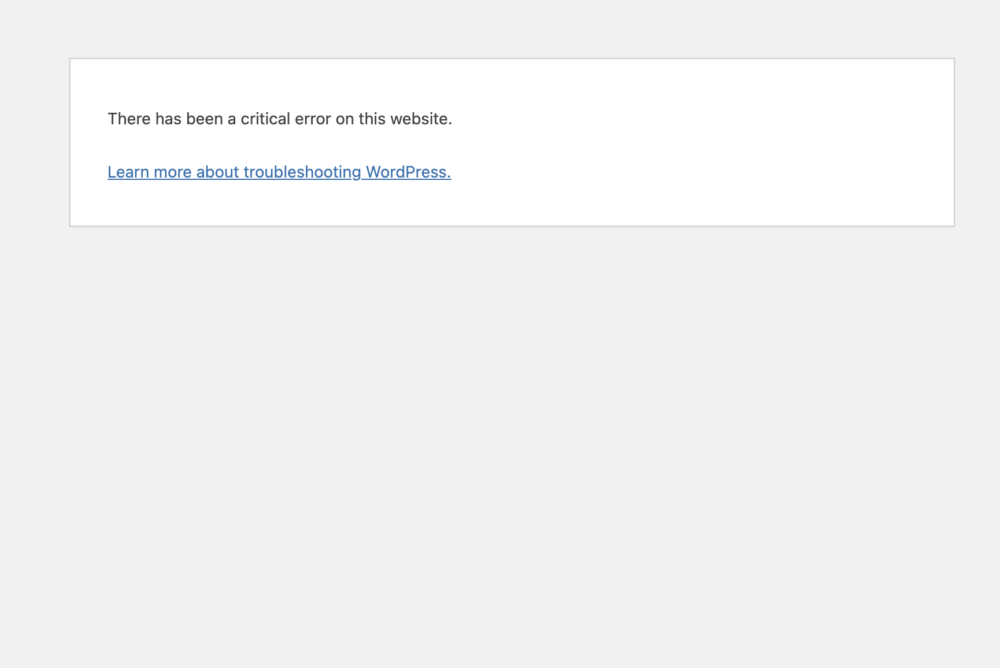
In the error log, I saw this:
[03-Mar-2025 16:51:31 UTC] PHP Fatal error: Allowed memory size of 805306368 bytes exhausted (tried to allocate 122880 bytes) in /home/customer/www/[URL].org/public_html/wp-includes/class-wpdb.php on line 2316Unfortunately, this line was in WP core, not in my custom theme, so I was a bit baffled on how to debug this.
When I copied it to local, I was unable to reproduce the problem, even when I performed the exact same actions. So, I copied it to a staging site on the same hosting service and still wasn’t able to reproduce the problem.
I was only able to see the problem when I did the actions on the live site, which had identical code. Huh!
Debugging the Problem
So I had the situation where the exact same code was generating an error on one environment and not another!
The area of WP core where the site crashed looked like this:
if ( $this->result instanceof mysqli_result ) {
  while ( $row = mysqli_fetch_object( $this->result ) ) {
    $this->last_result[ $num_rows ] = $row;
      ++$num_rows;
    }
  }
So the clue here is it had something to do with the database (MySQL).
I had encountered situations where a corrupted WP database caused fatal crashes.
And, the act of copying a database (i.e., to my local install) can sometimes clean up these errors. That would explain why I didn’t see the problems on local or staging.
The Solution
This was my best theory so I went ahead and installed the free version of the WP Optimize plugin on the live site. After making a backup, I ran the database optimizations and voila!! The problem was fixed!!!
So the problem in this case was a corrupted database!
I don’t know how my database got corrupted, but I do know that this site is heavy in database operations. I’ll keep monitoring and add whatever insights I find here!
Now, this won’t solve the problem in every situation where there’s an exhausted memory error, but it’s something to try, especially if the site is crashing in a database-related area of the code.
Did this fix your problem? Let me know below in the comments.
Check online for the latest WordPress.com deals and coupon codes for WordPress hosting. #ad

I am a freelance web developer and consultant based in Santa Monica, CA. I’ve been designing websites using WordPress and from scratch using HTML, CSS, PHP, and JavaScript since 2010. I create websites and web applications for businesses, nonprofits, and other organizations. I have a degree in Electrical Engineering (BSEE) from California Institute of Technology and a degree in Engineering Management (MSEM) from Stanford University. If you need help with your site, you can hire me!
Hallo Brian,
ich habe stundenlang gesucht.
Erst dachte ich, dass die wp-config nicht greift. Dann habe ich eine PHP.INI angelegt.
Das war es auch nicht.
Dann habe ich in der htaccess eine Anweisung gegeben.
Das war es auch nicht.
Dann bin ich auf deinen Artikel gestoßen!
Ich danke dir vielmals. Nach 4 Stunden Kopfschmerzen hast du mich erlöst.
Lieben Gruß aus Hamburg / Norddeutschland
Michael
Hallo Michael,
Vielen Dank fürs Teilen! Ich freue mich sehr, dass mein Artikel dir geholfen hat! (Google Übersetzer hat mir geholfen.)
Liebe Grüße,
Brian/Santa Monica, CA